
Über das Projekt About the project
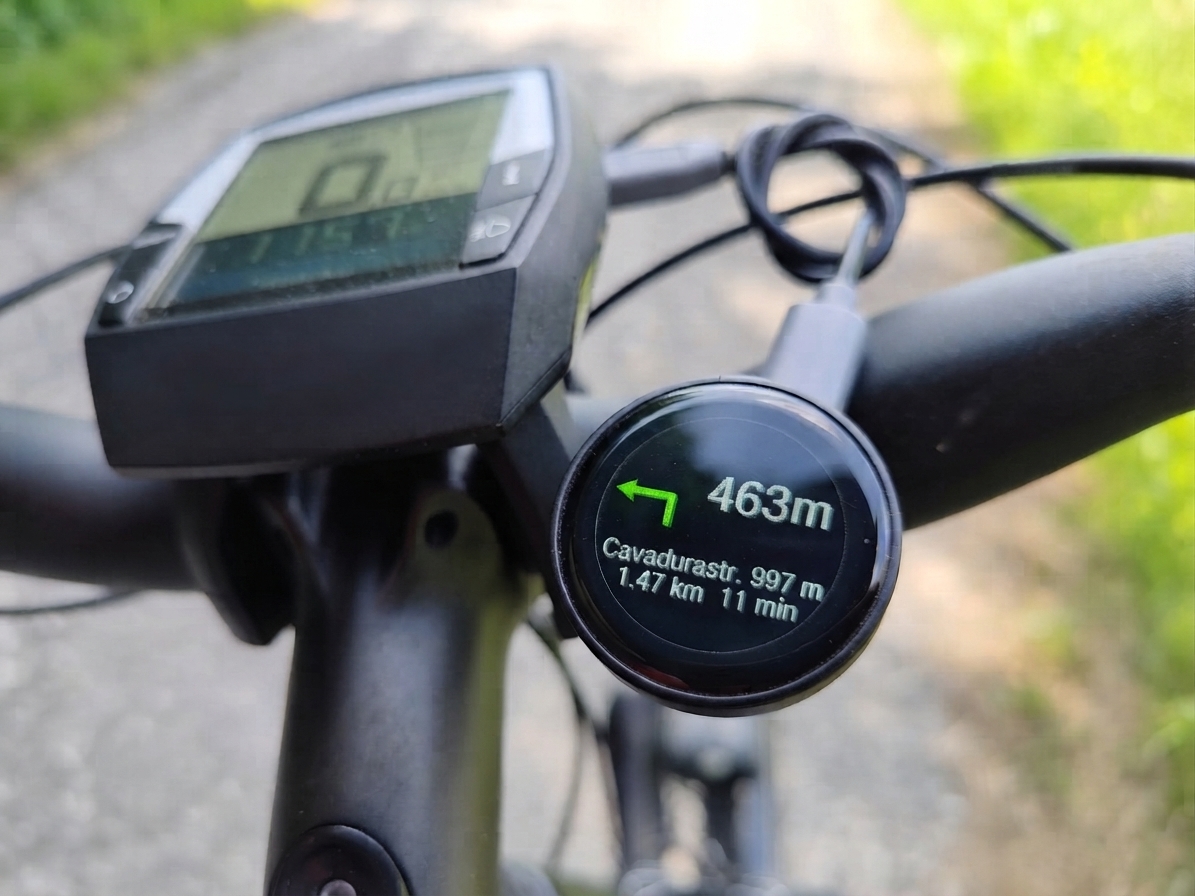
bikenavi_esp32 ist ein hochoptimiertes Navigations-Display für Radfahrer. Minimalistisch, schnell und voll integriert. Die Navigation erfolgt über gängige Android-Apps wie OsmAnd, Komoot oder Google Maps. Das Display empfängt dabei via Bluetooth die Notifikationen oder Text-to-Speech (TTS) Meldungen deiner Navigations-App und zeigt diese übersichtlich an. Ein entscheidender Vorteil: Bei einem Sturz ist nur das günstige Display am Lenker gefährdet, während dein teures Smartphone sicher in der Tasche bleibt. bikenavi_esp32 is a highly optimized navigation display for cyclists. Minimalist, fast, and fully integrated. Navigation is handled via popular Android apps like OsmAnd, Komoot, or Google Maps. The display receives notifications or Text-to-Speech (TTS) messages from your navigation app via Bluetooth and displays them clearly. A key advantage: In the event of a crash, only the inexpensive display on the handlebars is at risk, while your expensive smartphone remains safe in your pocket.
Kinderleicht in 3 Schritten ohne Spezialkenntnisse und Löten: Child's play in 3 steps without special knowledge or soldering:
-
 Hardware besorgenGet hardware
-
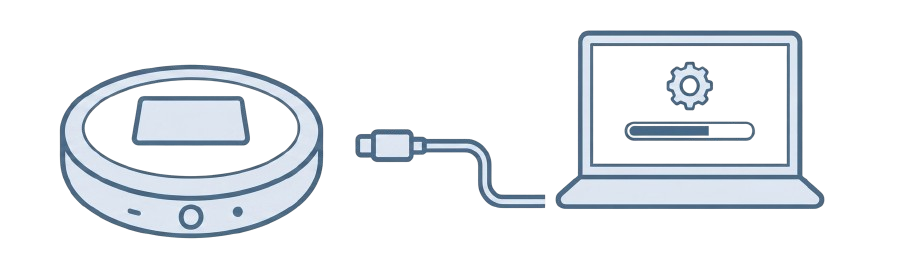 Installer startenStart installer
-
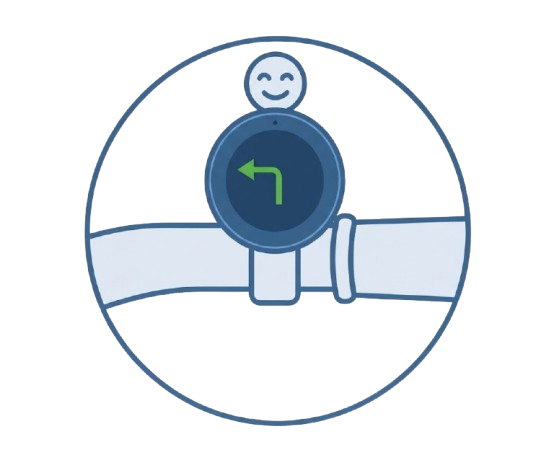 Losfahren, losnavigieren und Spaß habenRide off, navigate, and have fun
Hardware Hardware
Das Projekt ist aktuell für das ESP32-2424S012 (ESP32-C3) 1.28" Display-Board optimiert (ca. 12$). Zukünftig wird auch das Board JC3636W518EN (ESP32-S3) 1.8" unterstützt (ca. 25$). Diese Boards sind auf diversen Online-Shoppingplattformen verfügbar. The project is currently optimized for the ESP32-2424S012 (ESP32-C3) 1.28" display board (approx. 12$). Future support is planned for the JC3636W518EN (ESP32-S3) 1.8" board (approx. 25$). These boards are available on various online shopping platforms.
Installation Installation
Die Installation ist kinderleicht: Verbinde das Display einfach per USB-Kabel mit deinem PC und starte den Web-Uploader. Installation is child's play: Simply connect the display to your PC via USB cable and start the Web-Uploader.
Installiere die Firmware direkt über den Browser: Install the firmware directly via the browser:
Web-Uploader starten Start Web-UploaderZusätzlich wird die Android-App für die Kommunikation benötigt: Additionally, the Android app is required for communication:
Android APK Download Android APK DownloadWichtige Berechtigungen: Important permissions: Damit die App stabil funktioniert, müssen nach der Installation folgende Rechte erteilt werden: For the app to work stably, the following permissions must be granted after installation:
- Bluetooth: Bluetooth: Erforderlich für die Verbindung zum Display. Required for connection to the display.
- Standort: Location: Wird von Android für den BLE-Scan benötigt. Required by Android for BLE scanning.
- Akku-Optimierung: Battery optimization: Bitte auf "Nicht einschränken" stellen, damit die App im Hintergrund aktiv bleibt. Please set to "Unrestricted" so the app remains active in the background.
💡 Hinweis: Nach der ersten Installation kannst du zukünftige Updates bequem drahtlos (OTA) über die Android-App durchführen, um immer auf dem neuesten Stand zu bleiben. 💡 Note: After the initial installation, you can conveniently perform future updates wirelessly (OTA) via the Android app to always stay up to date.
Projekt-Links Project links
Besuche die Repositories auf GitHub: Visit the repositories on GitHub:
GitHub Repository GitHub Repository Android App Repository Android App RepositoryDokumentation Documentation
Technische Details und Protokolle: Technical details and protocols:
Dokumentation auf GitHub Documentation on GitHub